KMZ Files That Point to Pictures on Someone Else's Computer
A KMZ is supposed to carry its pictures with it. That’s the reason it exists: the KML document goes into a zip archive together with the icons, the photos in the descriptions and the images of any overlays, and the whole thing works anywhere.
It only works if the document refers to the copies inside the archive. When someone builds a placemark in Google Earth with an icon from their desktop, or pastes a photo into a description, the reference can end up as a path on their own computer. They see everything, because the files are right there. Everyone else sees a broken image.
What It Looks Like
An estate agent sends a KMZ of an office location, with a custom pin and a photo of the building:
$ ikml check office.kmz
office.kmz (kmz, 468 bytes)

  ERROR   local-path-ref  Style 'pin' (line 6)
          The icon file:///C:/Users/maria/Desktop/icons/pin.png points to a file
          on the creator's computer. Nobody else can open it.
  ERROR   local-path-ref  Placemark 'Office' (line 10)
          The image in a description /Users/maria/Pictures/office.jpg points to a
          file on the creator's computer. Nobody else can open it.

2 error(s), 0 warning(s), 0 note(s).
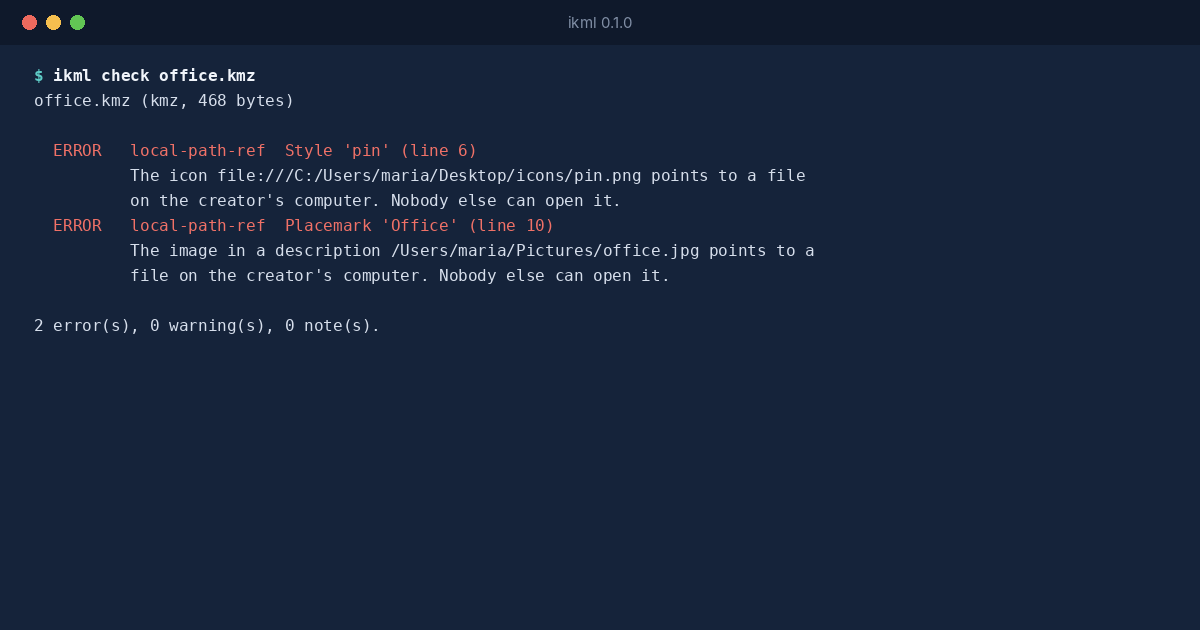
One reference is a Windows path written as a file:/// URL, the other a macOS path in the HTML of the description. iKML recognises file:///, drive letters such as C:\, and home folders such as /Users/ and /home/, wherever they appear: in icon styles, overlay images, and <img> tags inside descriptions.
The Fix Is at the Source
No tool can fix this on the receiving end, because the pictures aren’t in the file. The person who made it has to put them in. In Google Earth, that means saving the place again as a KMZ after pointing the icon and image at files Google Earth can pack; with other tools, adding the files to the archive and pointing the references at their paths inside it.
What iKML gives the receiving side is the exact list to send back: which file, where it’s referred to, and on what line. That’s a better email than “the pictures don’t show”.
The Opposite Mistake
The same check catches the other direction too. A KMZ that holds an icon the document never uses gets an unused-asset note, and one that refers to an icon it doesn’t hold gets a kmz-missing-asset error. Both are common when a KMZ is assembled by hand or by a script.